
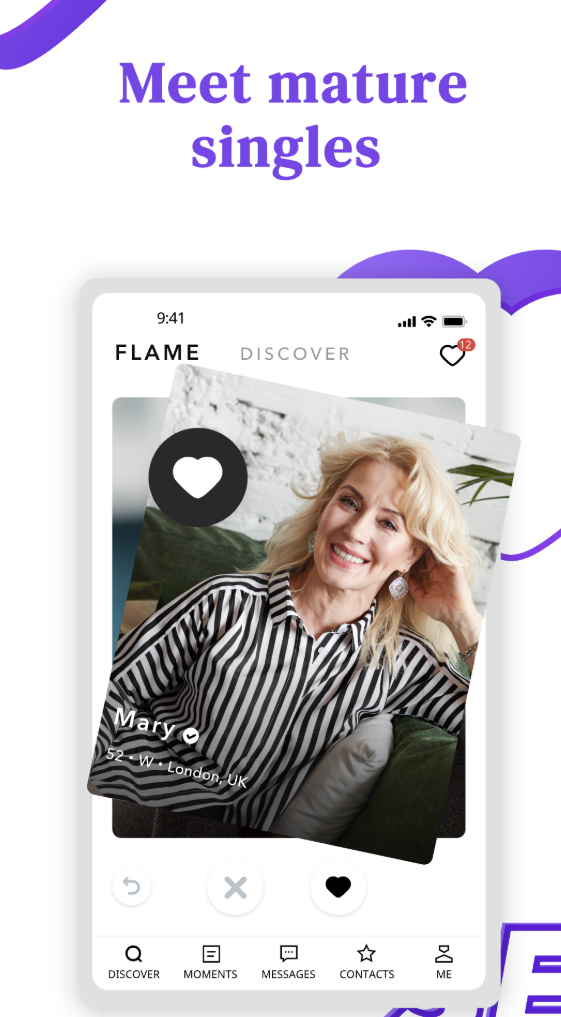
Senior Match mobile dating app for mature singles
Senior Match in India

Senior Match App

Senior dating on mobile for Indian singles over 50

A senior dating app experience for mature Indian singles who want simple browsing, private messages, city search, and safer conversations after 50.

The Senior Match App helps mature singles browse profiles, update profile details, search by city, read messages, and manage privacy before sharing personal contact details. It is useful for people in Delhi, Mumbai, Bangalore, Chennai, and other Indian cities who want to move slowly and keep early conversations private.

What the Senior Match App Helps You Do

The app keeps senior dating activity close to the daily phone habits many mature users already have.

Senior Match App gives mature Indian singles a mobile way to browse profiles, read private messages, edit profile details, and return to conversations without opening a desktop computer.

The app-style experience also supports city-based discovery. Members can focus on Delhi, Mumbai, Bangalore, Chennai, Hyderabad, Pune, Kolkata, and nearby areas instead of browsing too widely. A narrower location focus often makes senior dating more practical, especially for users who prefer nearby first meetings and familiar neighborhoods.

Senior Match is built for companionship, friendship, serious dating, remarriage conversations, travel mates, and activity partners. The mobile experience stays simple for users over 50: readable profiles, clear buttons, private messages, and practical privacy settings.

Senior Match App Download for iOS and Android

Use trusted app stores or official links only. Download choices may depend on your device, region, and current app availability.

Phone screen showing mature dating profile browsing

For iPhone and iPad Users

When the Senior Match iOS app is available, open the App Store and search for Senior Match. Check the app name and developer details carefully before installing, then open the app and log in or create an account with a secure password.

Allow only permissions that are needed. Photo access may help with profile pictures, and notifications can help with message alerts if available. Keep the app updated.
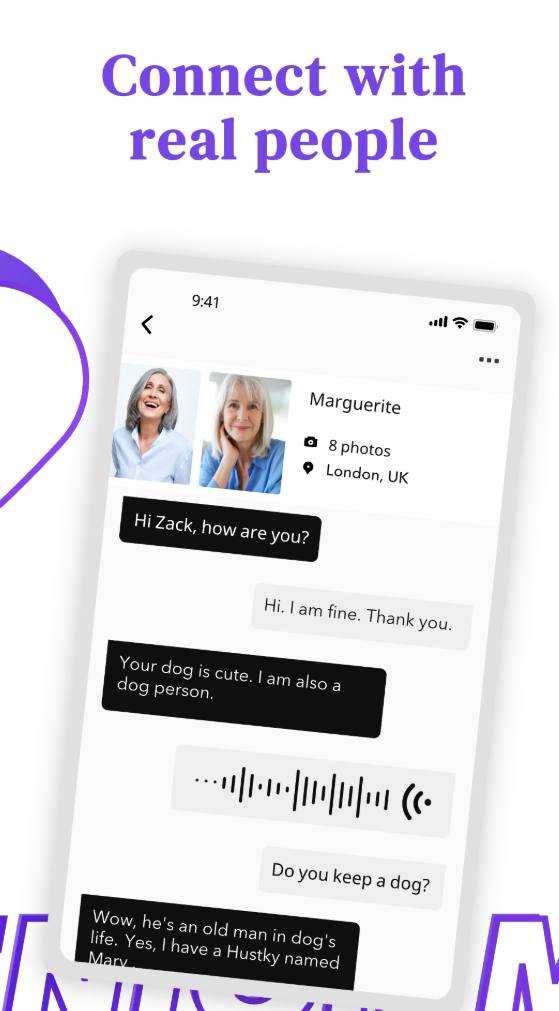
Mobile messaging screen for mature dating conversations

For Android Users

When the Senior Match Android app is available, use Google Play and search for Senior Match. Review the app name, developer information, update date, and permission requests before installing. Avoid unknown APK files sent through messages or social media.

After installation, open the app, sign in, or create a profile. Keep Android and the app updated. If you prefer no download, use the mobile website from a trusted browser.

Safety note: Download only from trusted app stores or official links. Do not install unknown APK files sent through messages, social media, or unfamiliar websites.

How to Use Senior Match App Step by Step

A clear routine helps older singles use mobile dating with more confidence and less pressure.

1. Download or Open Mobile Access

Use app access if it is available for your device, or use the mobile website if you do not want to install anything.

2. Create an Account or Log In

Use your email or username, type your password carefully, and keep login details private.

3. Build a Mature Dating Profile

Add a clear photo, age, city, life stage, interests, language comfort, and the kind of connection you prefer.

4. Choose Your City

Start with Delhi, Mumbai, Bangalore, Chennai, Hyderabad, Pune, Kolkata, or the city where meeting is realistic.

5. Browse Senior Matches

Read profiles for age range, distance comfort, interests, lifestyle, and relationship goal before sending a message.

6. Start with Private Messages

Begin with respectful messages inside Senior Match and avoid rushing to phone calls or WhatsApp.

7. Use Safety Tools

Use block, report, and privacy settings when available, and be cautious with personal information.

8. Move Offline Carefully

Choose a public first meeting, arrange your own transport, and tell a trusted person where you are going.

Senior Match App Features for Mature Dating

Each feature should support calmer discovery, clearer profiles, and safer early conversations.

City Search

Focus on Delhi, Mumbai, Bangalore, Chennai, and nearby Indian cities so browsing stays practical instead of too broad.

Profile Browsing

Review age, city, interests, lifestyle, language comfort, and dating goals before deciding who deserves a message.

Private Messaging

Start conversations inside the platform before sharing phone numbers, family details, or personal messaging accounts.

Photo Upload

Add clear, respectful photos while avoiding private background details such as home address, car plate, workplace, or documents.

Match Discovery

Compare city, age, life stage, interests, and relationship goals to find senior matches that fit your real routine.

Privacy Controls

Manage what you share, keep early communication private, and move at a pace that feels comfortable.

Safety Reporting

Block or report suspicious behavior when available, especially pressure, unusual links, or requests for private codes.

Premium Access

Premium features may vary by plan, device, and region. Review current plan details before any purchase.

How to Find a Senior Match on the App

  • Start with your city. Choose Delhi, Mumbai, Bangalore, Chennai, or the city where you can actually meet.
  • Read beyond the photo. Check age, life stage, interests, language comfort, and relationship goal.
  • Match by intention. Companionship, friendship, serious dating, remarriage, travel mates, and activity partners need different conversations.
  • Send a message with real profile details. Try: "I noticed you enjoy morning walks and quiet cafes. What kind of first chat feels comfortable for you?" Or: "Your profile mentions Bangalore and weekend drives. Are you more interested in companionship or activity partners?"
  • Move slowly before meeting. Keep early messages inside the app, then choose a public place when both users feel ready.
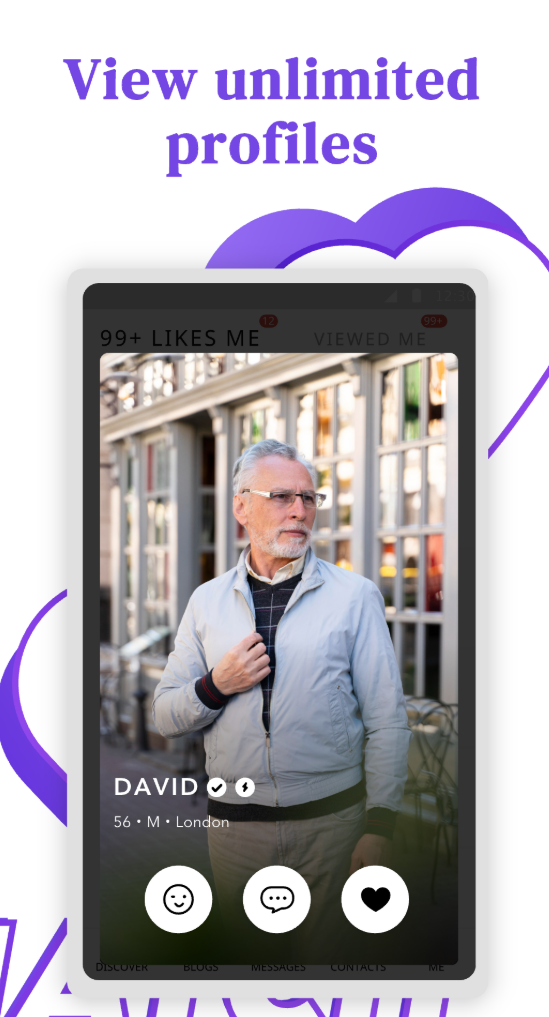
Mobile app profile browsing for mature singles

Senior Match App Services for Older Singles

Senior Match supports mobile dating from account setup to safer communication habits.

Account and Profile Setup

Create an account, add a city, write a respectful profile, and choose photos without exposing private details.

City-Based Discovery

Browse senior dating options by Indian city so conversations begin with realistic distance, shared routines, and local comfort.

Messaging and Privacy Guidance

Use private messages, login support, safety tips, and profile guidance to build better conversations at a measured pace.

Mobile-Friendly Dating Access

Check messages, review matches, and manage profile details from a phone.

Possible Premium Options

Some account features may depend on plan, device, and region. Members should review current plan details before purchase.

Safety Support Content

Use safety articles, FAQ guidance, and reporting options when available to handle suspicious behavior with more confidence.

Why Indian Seniors May Prefer the App

Mobile access can fit everyday life better than a desktop-only routine.

Easier Phone Access

Useful for mature users who are comfortable with a phone and do not want to sit at a desktop computer.

Private Browsing at Home

Check profiles and messages quietly, then reply only when you have time to read carefully.

Better for City Life

Helpful for Delhi NCR, Mumbai commute patterns, Bangalore work routines, and Chennai users who value privacy.

Faster Message Checking

Review messages without waiting to open a computer, while still taking time before replying.

Helpful While Traveling

Useful when visiting family, moving between cities, or taking retirement trips around India.

Simple for Mature Users

Readable design, clear buttons, and fewer distractions can make mobile senior dating feel more manageable.

Senior Match App vs Senior Match Website

Many members use both, depending on the task.

AppWebsite
Best for quick message checkingBest for long profile writing
Best for profile browsing on phoneBest for reading safety and FAQ
Best for mobile notifications when supportedBest for users who dislike downloads
Best for checking matches while travelingBest for desktop users

Some users prefer the app for daily messages and the website for longer reading, profile editing, login help, and safety guidance. Senior Match should feel useful on both.

App Safety Tips for Senior Dating

Safer mobile dating starts with careful downloads, private login habits, and calm communication.

Download Carefully

Use trusted stores or official links only. Do not install unknown APK files or apps sent through chat links.

Protect Login Details

Never share OTP, password, login code, or account recovery details with another member.

Keep the App Updated

Updates may include security fixes, bug repairs, and better compatibility with your phone.

Secure Your Phone

Use a screen lock, avoid public Wi-Fi for login, and do not click suspicious links inside messages.

Keep Early Messages Inside

Do not share your phone number too quickly. A respectful person will understand a slower pace.

Report Suspicious Profiles

Use reporting tools when available if someone pressures you, asks for private codes, or behaves dishonestly.

Senior Match App Login and Troubleshooting

Most mobile access issues can be checked with a few practical steps.

App Will Not Open

Restart your phone, update the app, and check available storage before trying again.

Login Fails

Check email, password, spaces, and keyboard language. Type details manually if autofill causes errors.

Forgot Password

Use password reset and check both inbox and spam folder for the recovery email.

No Internet

Switch between Wi-Fi and mobile data, then reload the app or try browser login.

App Feels Slow

Close unused apps, update Senior Match, and clear cache where appropriate for your device.

Photos Will Not Upload

Check photo permission, file type, internet connection, and image size.

Notifications Do Not Appear

Review phone notification settings and app notification permissions if available.

Still Cannot Access Account

Try browser login or use the official login help route before creating a new account.

A Better Mobile Dating Routine After 50

Healthy senior dating does not require constant checking. Many mature users do better when they read messages once or twice a day, reply when they feel clear, and avoid rushed emotional conversations.

Read profiles carefully before replying. Look for city, interests, lifestyle, language comfort, and relationship goal. Use filters to stay local when distance matters, and protect privacy by sharing personal details only after trust has developed naturally.

Use the app for daily activity and the website for detailed information, safety reading, and longer profile updates. If a conversation moves toward meeting, choose a public place, arrange your own transport, and let a trusted person know your plan.

Senior Match App FAQ

Why should I check app permissions before using Senior Match?

Permissions control access to photos, notifications, and device functions. Allow only what you need for your profile and messages.

Can I use Senior Match on mobile without installing an app?

Yes. If app access is not available or you prefer no download, use the mobile website from a trusted browser.

What should I check before downloading Senior Match on Android?

Confirm the app name, developer details, update information, and permissions in Google Play when available. Avoid APK files from messages.

What should iPhone users check before installing?

Use the App Store when available, review the listing carefully, and keep iOS and the app updated for better compatibility.

Why are notifications not always visible?

Notifications depend on phone settings, app permissions, device mode, and current app support. Check notification settings before assuming messages are missing.

Can I upload profile photos from my phone?

Photo upload may be available depending on your account and app version. Choose clear photos and avoid private background details.

How can I keep mobile messages private?

Use a phone screen lock, avoid shared devices, keep early messages inside Senior Match, and do not share personal contact details too quickly.

What should I do if the app feels slow?

Close unused apps, check storage, update the app, switch networks, or try the mobile website while troubleshooting.

Can I use city filters while traveling in India?

Use city filters carefully and choose locations where meeting would be realistic, such as Delhi, Mumbai, Bangalore, or Chennai.

When should I use desktop instead of the app?

Use desktop or the website for longer profile writing, detailed safety reading, and account help when a bigger screen feels easier.

Start Senior Dating on Mobile with Senior Match

Senior Match App supports mature dating in India with private messages, city search, and a senior dating app experience for Delhi, Mumbai, Bangalore, Chennai, and other Indian cities. Start carefully and keep early conversations private.